Info-Map Overview and Applications
what are some potential usecases for a collaborative ChatAI?
Collaborative ChatAI: Diverse Use Cases and Applications
1. Team collaboration: ChatAI can be used to facilitate communication between team members in real-time, sharing ideas, assigning tasks, and providing updates on project progress.
2. Customer support: Collaborative ChatAI can help manage customer inquiries, providing instant answers to common questions, and connecting users to relevant human support agents when necessary.
3. Education: Instructors and students can use ChatAI for collaborative learning, answering questions, discussing topics, and providing instant feedback on assignments.
4. Event planning: Event organizers can utilize ChatAI to coordinate planning, share event updates, and gather attendee RSVPs and feedback.
5. Brainstorming sessions: Participants can leverage ChatAI to quickly share their ideas, receive feedback, and refine their concepts in a collaborative setting.
6. Virtual meetings: ChatAI can assist in organizing and managing virtual meetings, sharing the agenda, and recording action items as the meeting progresses.
7. Remote workforce management: ChatAI can help manage remote teams, monitor workflows, track time, and encourage open communication amongst team members.
8. Language translation: ChatAI can facilitate communication between members who speak different languages, translating messages in real-time to support a diverse, global workforce.
9. Personal assistants: Collaborative ChatAI can work as personal assistants, helping to manage schedules, reminders, and to-do lists.
10. Health and wellness: ChatAI can be used in the healthcare sector to keep track of patients' progress, assist in appointments, and provide information on medication and treatment plans.
11. Community engagement: Non-profit organizations and local communities can use ChatAI to facilitate communication, coordinate events, and gather feedback from community members.
12. Content creation: ChatAI can help writers, editors, and content creators collaborate on brainstorming ideas, editing articles, and providing feedback on drafts.
What if I make it visual?
Making a collaborative ChatAI visual can expand its potential use cases and enhance user experience. Some visual applications include:
1. Visual collaboration tools: Integrating visual elements like diagrams, mind maps, or flowcharts can help users collaboratively design and brainstorm ideas, structure information, and visualize complex concepts.
2. Virtual whiteboards: A visual ChatAI can enable users to draw, write, and share information in real-time on a digital canvas, fostering creativity and collaboration.
3. Project management: Visual ChatAI can help users create, view, and manage tasks through project boards or Gantt charts, enabling clearer communication and better organization.
4. Video conferencing: Incorporating video can help remote teams meet face-to-face and enhance personal connections, facilitating better discussions and decision-making.
5. Real-time document collaboration: Teams can work on documents or presentations simultaneously while visual ChatAI assists with content suggestions, grammar, or language translation.
6. Data visualization: Integrating visualizations like charts, graphs, or infographics can assist users in understanding complex data and making data-driven decisions.
7. Interactive tutorials and demonstrations: Visual ChatAI can provide step-by-step guidance using images, 3D models, or animations to teach users new skills or software.
8. Design collaboration: Users can share designs in real-time and quickly iterate on visual projects with the help of a visual ChatAI offering feedback and suggestions.
9. Augmented Reality (AR) or Virtual Reality (VR): A visual ChatAI can facilitate collaboration in immersive environments, enabling teams to interact with digital objects or simulations.
10. Social engagement: Including visual elements such as emojis, GIFs, or stickers can enhance communication, making conversations more engaging and expressive.
By adding visual capabilities to a collaborative ChatAI, you can create more engaging and interactive environments that support various industries and cater to the diverse needs of users.
Team Communication
ChatAI facilitates real-time communication between team members, enabling easier sharing of ideas and project updates.
Task Management
ChatAI helps in assigning tasks to team members and keeping track of their progress.
Project Progress Updates
ChatAI assists in providing regular updates on project progress, ensuring everyone stays informed and on track.
Task Assignment
Task ManagementChatAI can assign tasks to team members based on their skill set and availability, streamlining the workload.
Team Collaboration with ChatAI
ChatAI can facilitate real-time communication between team members, enabling them to share ideas, assign tasks, and provide updates on project progress.
Progress Tracking
The AI system monitors team members' progression on assigned tasks, providing real-time updates and helping to ensure timely completion.
Task Prioritization
Task ManagementChatAI helps in prioritizing tasks based on deadlines, client needs, and team resources, increasing overall efficiency.

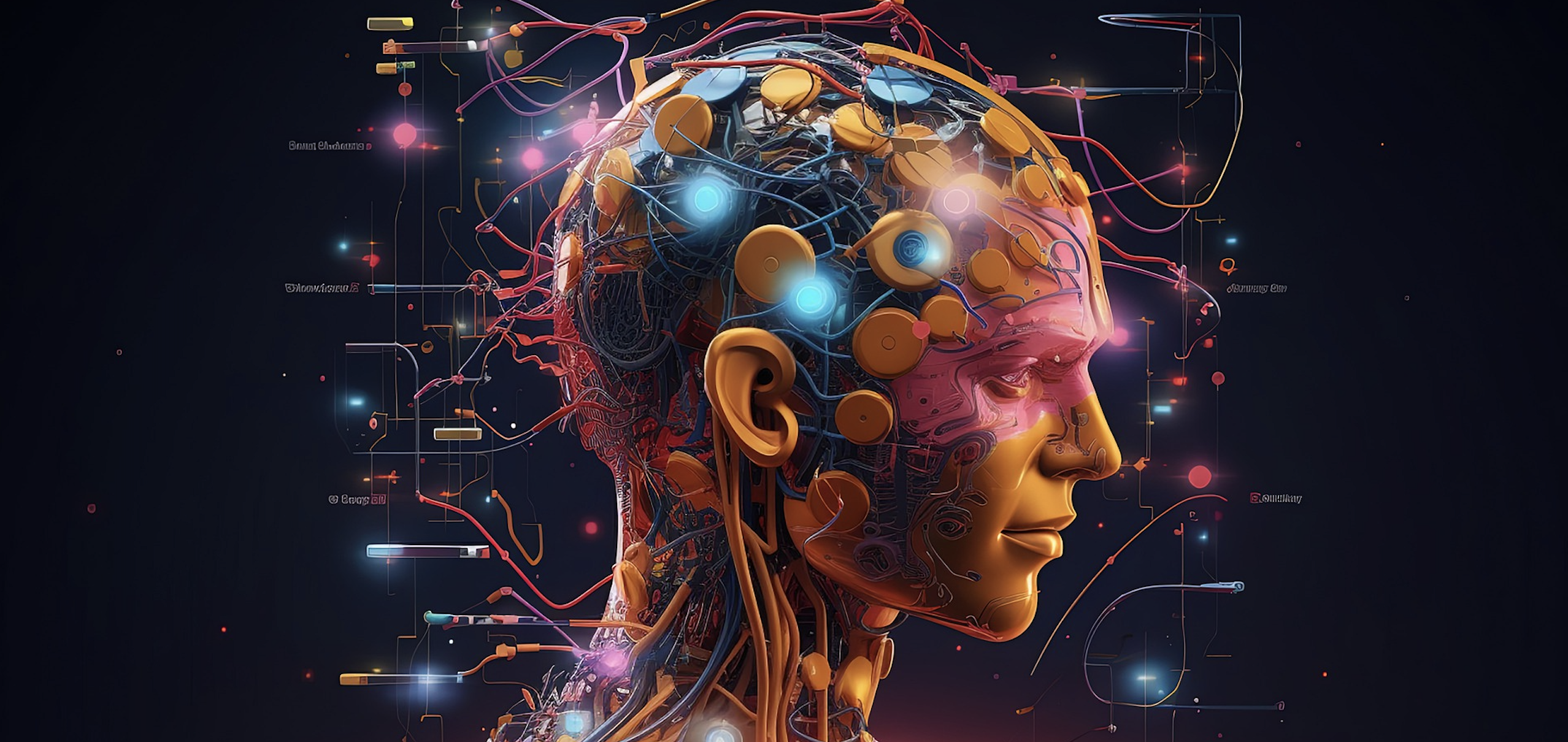
Collaborative ChatAI Visual
Making a collaborative ChatAI visual can expand its potential use cases and enhance user experience. Some visual applications include:
Collaborative ChatAI Visuals
Creating a collaborative ChatAI visual can expand its potential use cases and enhance user experience. Some visual applications include:
Interactive Data Visualization
Allowing users to explore data through interactive charts, graphs, and maps, leading to informed decision-making and insights.
Virtual Whiteboard
Facilitating real-time collaboration between users in brainstorming, ideation, and problem-solving sessions using a virtual whiteboard.
Real-Time Language Translation
Enabling seamless communication among users speaking different languages by providing visuals with real-time translated captions or subtitles.
Shared Design Spaces
Empowering users to collaborate on designs, layouts, and prototypes by providing a shared design space with real-time editing capability.
Immersive Virtual Environments
Encouraging collaboration through immersive virtual environments, such as training simulations, interactive storytelling, or virtual meeting spaces.
Visualizing Conversations
Creating interactive visual representations of chatbot conversations to facilitate better understanding and engagement with users.
User Interface Customization
Allowing users to personalize their ChatAI interface with various themes, fonts, and emojis, promoting a more comfortable and enjoyable experience.
Real-time Collaborative Features
Incorporating real-time collaboration tools in the ChatAI for users to communicate and collaborate on tasks with the help of the AI algorithm.
Virtual Assistants with Avatars
Designing avatars for ChatAI to enhance user interaction and provide a more human-like experience.
Integrating 3D Environments
Integrating 3D environments and AR/VR technology to create immersive chatbot-powered experiences for entertainment, education, and social interaction.
Real-time Visual Translations
Enable seamless communication by integrating real-time language translation features that display translated captions or subtitles for users speaking different languages.
Cross-cultural Collaboration
Enhance global collaboration and understanding among users by providing real-time translations, eliminating communication barriers and promoting a diverse and inclusive community.
Multilingual Support
Bridge language gaps between users and improve user experience by incorporating a wide range of languages in the real-time translation feature, catering to a global audience.
User Interface Customization
Allowing users to personalize their ChatAI interface with various themes, fonts, and emojis, promoting a more comfortable and enjoyable experience.
Theme Selection
Users can choose from a range of themes to customize the appearance of their ChatAI interface, making it more visually appealing and suited to their preferences.
Font Customization
Users have the option to select different fonts for their ChatAI interface, catering to individual tastes and readability requirements.
Emojis Integration
Integrating emojis into the ChatAI interface adds a fun and engaging element, allowing users to better express themselves and enhance their communication experience.
Exploring the AI Singularity
AI singularity
The AI singularity, also known as technological singularity, is a theoretical point in the future when artificial intelligence would surpass human intelligence, leading to rapid technological advancements that are beyond human comprehension or control. This concept raises various ethical, social, and technological concerns, as it could drastically transform our society, economy, and way of life. Some experts believe the singularity could result in positive outcomes, such as the improvement of human health, solving global problems, and creating innovative technologies, while others fear that it could be detrimental, resulting in AI machines dominating or even harming humanity.
ChatGPT
AI Singularity Definition
The AI singularity, also known as technological singularity, is a theoretical point in the future when artificial intelligence would surpass human intelligence, leading to rapid technological advancements that are beyond human comprehension or control.
Singularity's Ethical, Social, and Technological Concerns
This concept raises various ethical, social, and technological concerns, as it could drastically transform our society, economy, and way of life.

ChatGPT, which stands for Chatbot Generative Pre-trained Transformer, is an advanced language model developed by OpenAI. It is built upon the concept of transformers in deep learning for natural language processing tasks. The primary goal of ChatGPT is to generate human-like text, understand context, and provide meaningful and relevant responses in a conversational manner.
ChatGPT is trained on a massive dataset generated from parts of the Internet, which helps it learn grammar, facts, and reasoning abilities. However, it can sometimes produce incorrect or nonsensical information due to limitations in its training data. OpenAI continues to improve this model through user feedback and iterative development to make it a more reliable and useful tool in generating human-like responses.
Info-Map Overview and Applications
info-map
concept-map
Social Concerns
The singularity has social implications, such as potential unemployment caused by automation
Social Concerns
The singularity has social implications, such as potential unemployment caused by automation, privacy invasion, and the digital divide between those who can access and harness advanced technologies and those who cannot.
Technological Concerns
There are technological challenges related to singularity, such as ensuring the safety of AGI, managing superintelligent AI to prevent potential harm, and addressing the issue of technological dependency.

info-concept-map